
Google Messages: Cloud AI Targets SMS Fraud
A new opt-in mode uses Gemini models to analyze message context and verify links before users tap them.
By Pedro Salazar ·
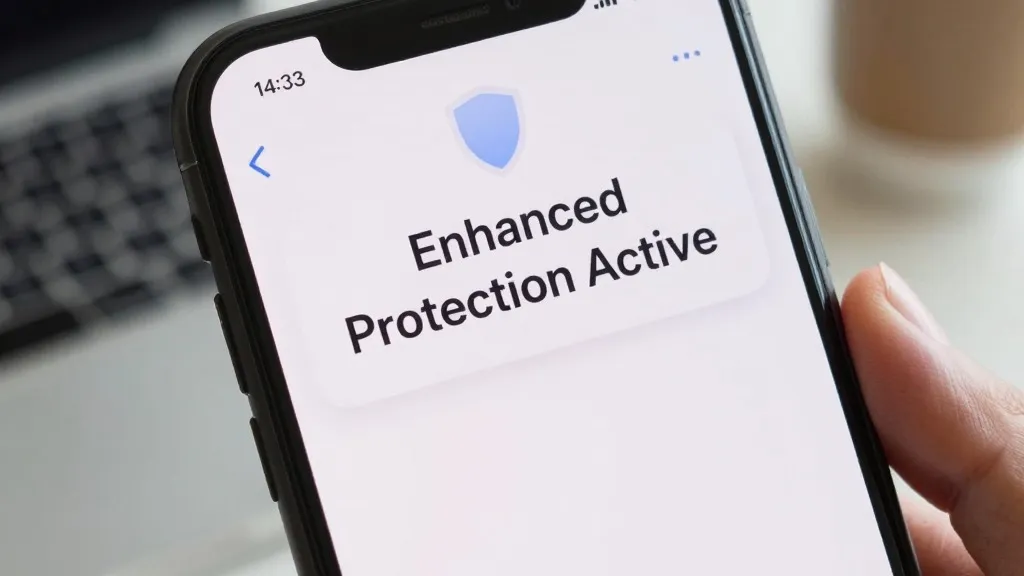
Google has begun rolling out a new Enhanced Protection mode for the Android Messages app. The update, which follows an announcement made earlier this month, introduces a third tier of security between the existing Standard Protection and a no-protection setting.
The new mode relies on cloud-based Gemini models to assess the context of message threads. Google states that this approach identifies scammer intent more quickly when users communicate with unknown senders. The company claims this method handles novel and sophisticated attacks more effectively than the detection currently running on the device.
Privacy is handled through Android's Private AI Compute system. Messages are encrypted and processed in a secure space that Google describes as private to the user. The company asserts that this data is not available to anyone else, including Google itself.
A second feature, enhanced link protection, combines the on-device Gemini Nano model with real-time web signals. This tool judges whether an unfamiliar link is trustworthy before a user taps it. The capability is currently available on Pixel 10 and newer devices, the Samsung Galaxy S26 series, the Galaxy Z Flip 8, and the Galaxy Z Fold 8.
The update also redesigns warnings for links sent by unsaved numbers. These new alerts provide users with more time and context to pause before interacting with a link. Users can activate the mode by navigating to Protection and safety in the app settings, where they can choose from Enhanced, Standard, or No protection.
The option appeared in the latest beta version of Google Messages, identified as 20261020_00_RC00. The new menu presents the three choices as distinct options rather than a simple on or off switch.
Source: 9to5Google